Bundles
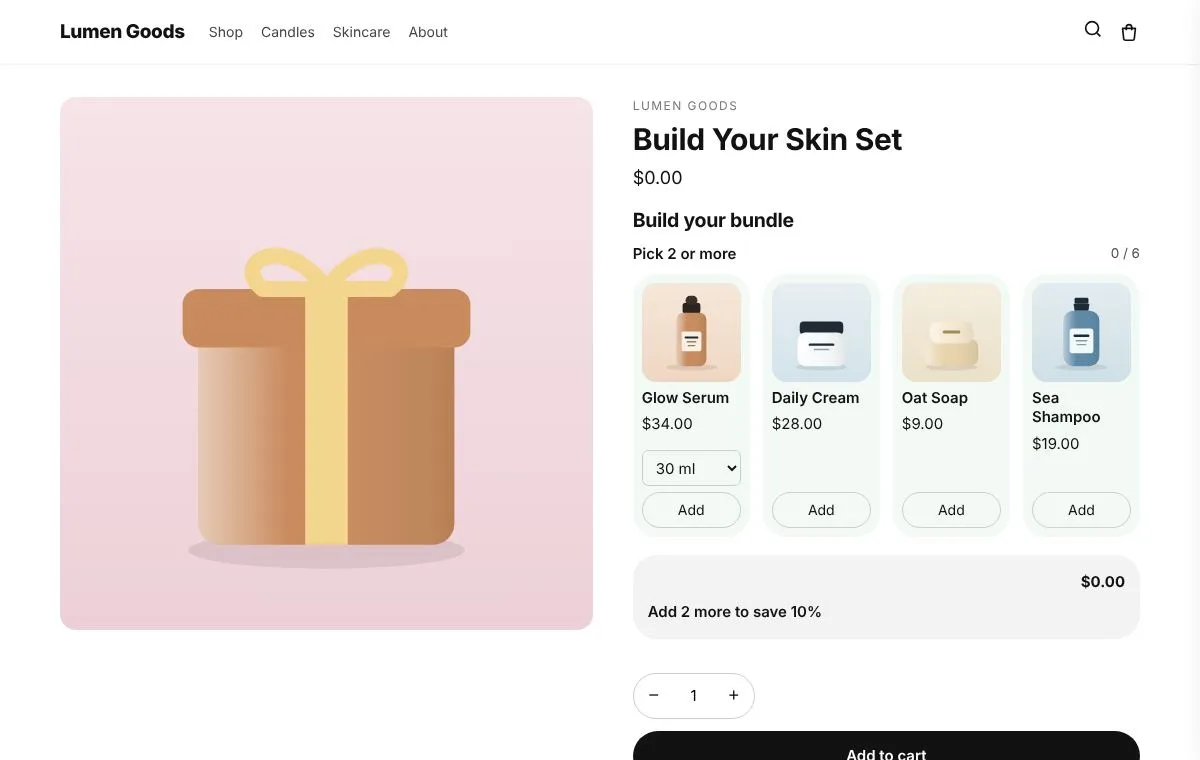
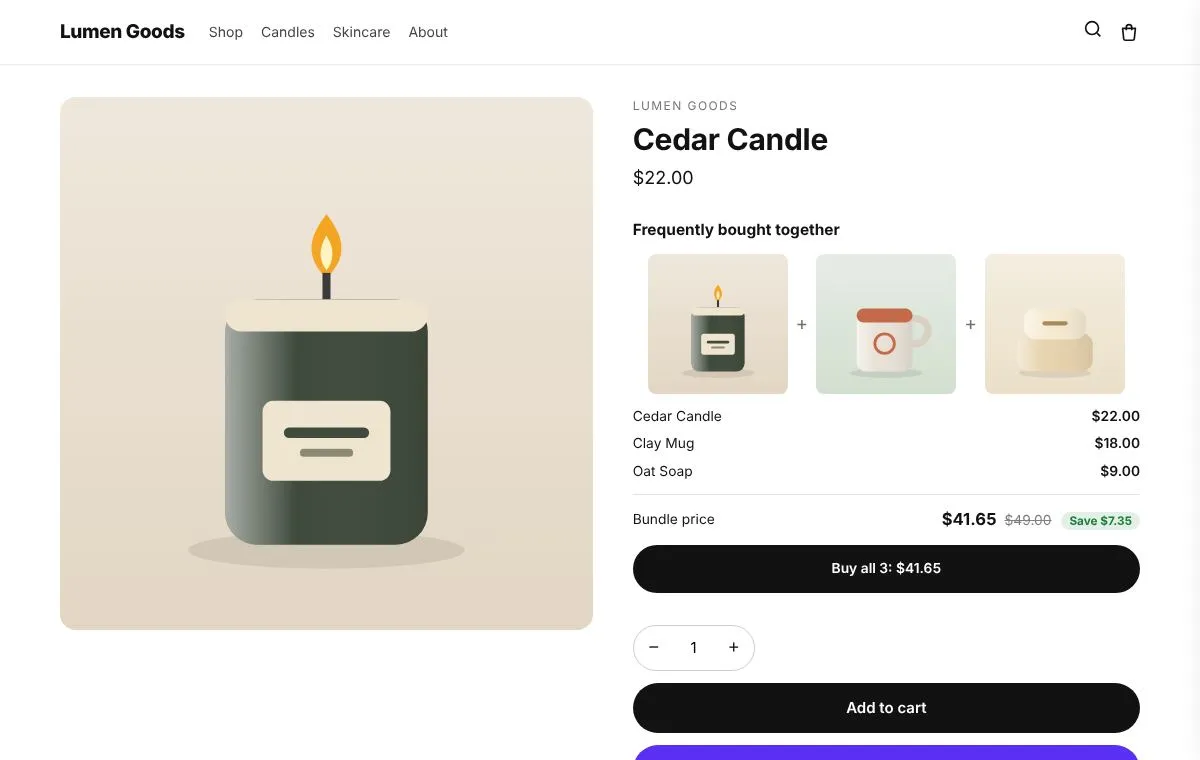
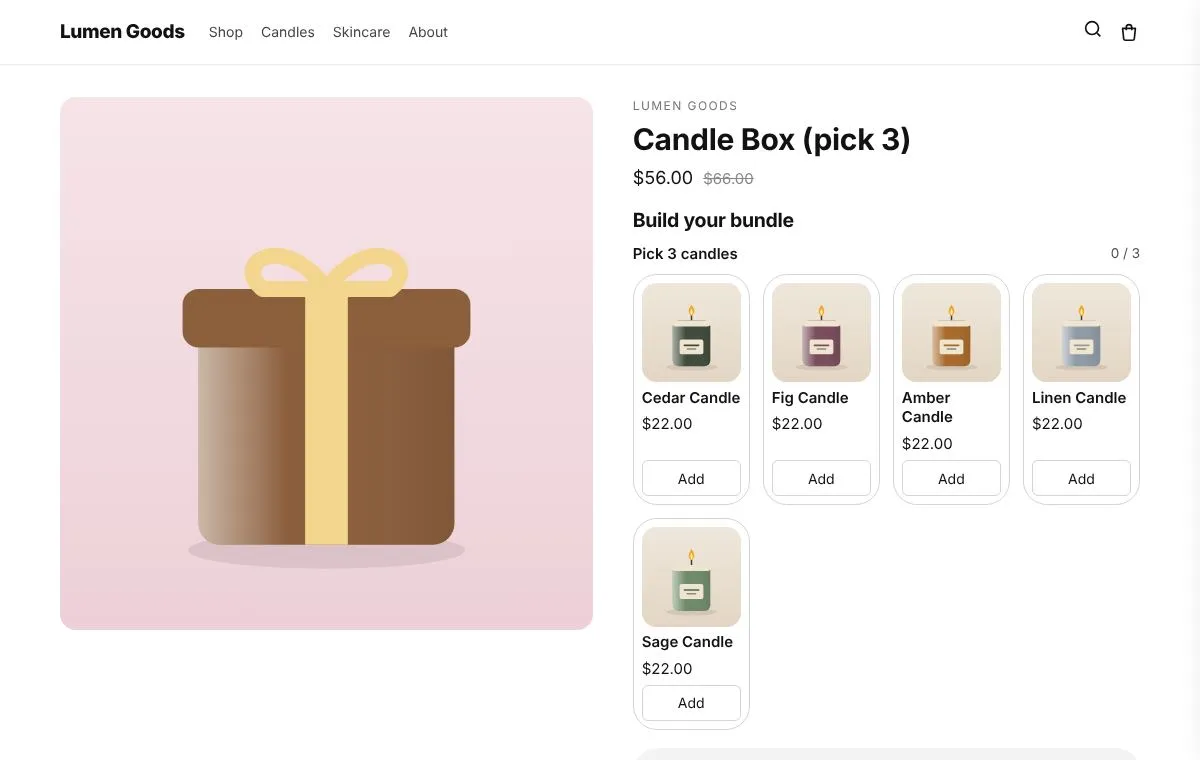
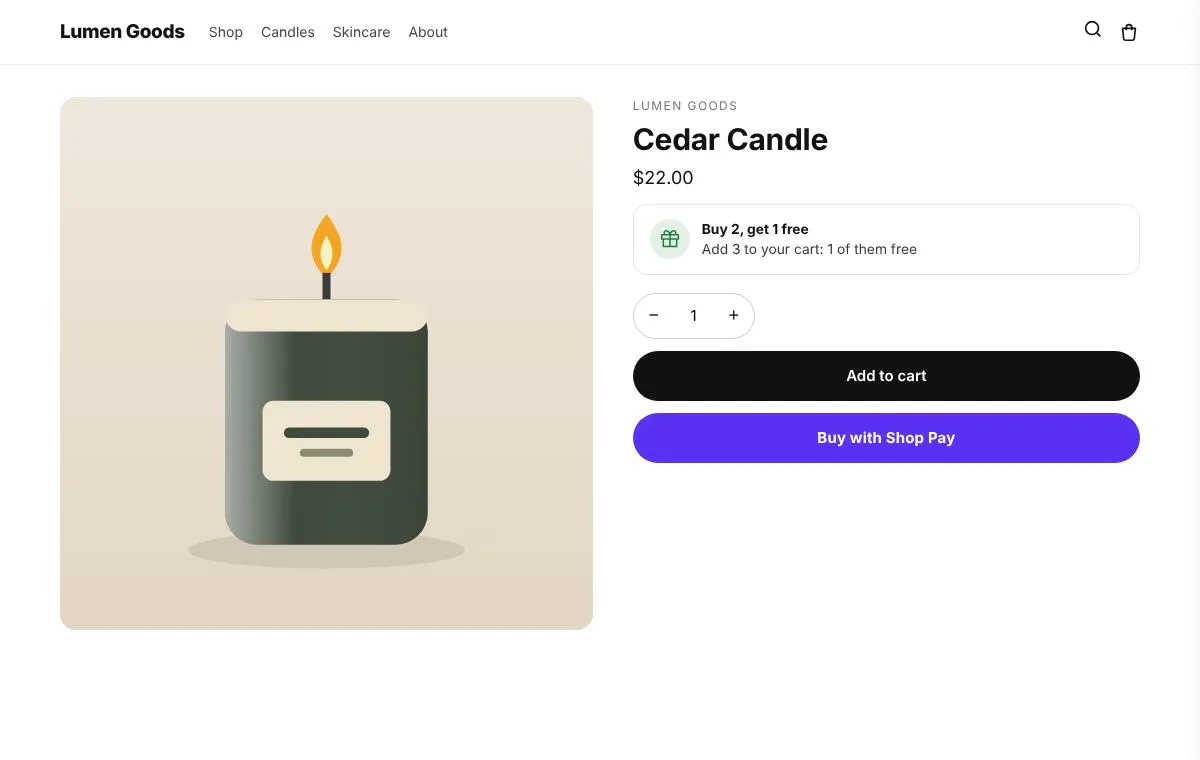
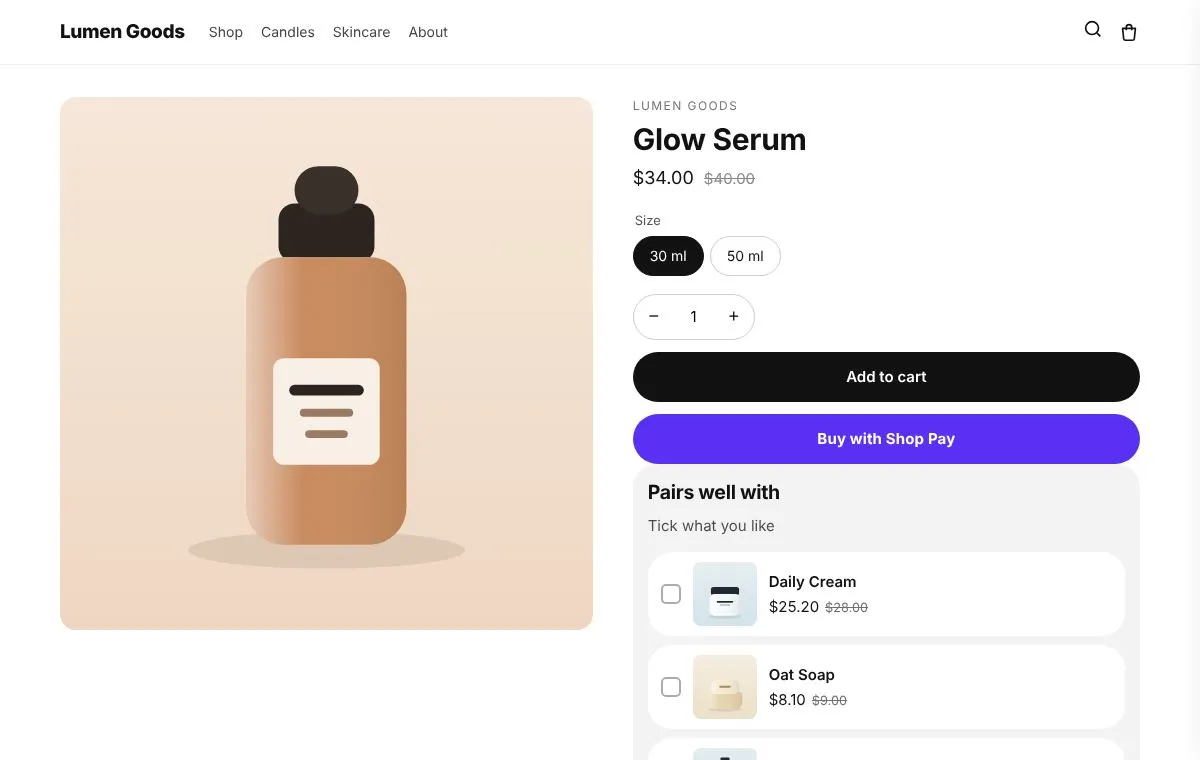
Mix and match bundles, bundles sold as their own product, and fixed "frequently bought together" bundles.
For stores that sell sets, gift boxes, multipacks or build your own boxes.
Included on the Free plan
What you can set
- Six ways to bundle: frequently bought together, a kit sold as one product, a mix and match box, a growing discount, build while browsing, and any N for one price
- Shopify prices the bundle at checkout and each picked item's stock goes down
- One price, a percentage off, or tiers by item count
- The app can create and publish the bundle product and its store page for you
- Every bundle type is included on the Free plan, within its offer slots
Bundle prices and stock tracking need the app installed from the Shopify App Store (or a Shopify Plus store).
How to set it up
- Install CRO Toolbox from the Shopify App Store.
- Open Offers → Bundles in the app, pick a template and set it up with the live preview.
- Click Add to theme: the theme editor opens with the block ready. Place it and save.
Ready made looks in the app
- My theme
- Black and white
- Fresh green
- Blue
- Big cards
- Sharp and compact
Questions about Bundles
What does Bundles do in CRO Toolbox?
Mix and match bundles, bundles sold as their own product, and fixed "frequently bought together" bundles. For stores that sell sets, gift boxes, multipacks or build your own boxes.
Which plan includes Bundles?
Included on the Free plan. See pricing for the limits of each plan.
Does Bundles work with my theme?
Yes, with any Online Store 2.0 theme. You set it up in the app and place it in the theme editor; your theme's code is never edited.
Guides about Bundles
 GuidesBest Shopify bundle apps compared: how to chooseHow to choose a Shopify bundle app: the questions that matter, and how CRO Toolbox, Simple Bundles, Bundler, Fast Bundle, Kaching and others differ.October 15, 2026 · 2 min read
 Product pagesHow to add Frequently bought together to a Shopify themeAdd a Frequently bought together box with a bundle discount to any Online Store 2.0 theme, step by step, and choose products that sell together.October 15, 2026 · 3 min read
 Bundles & AOVMix and match bundles on Shopify: a complete guideWhat mix and match bundles are, how to price them, and how to build one on Shopify that charges the right price and tracks stock for every item.October 14, 2026 · 3 min read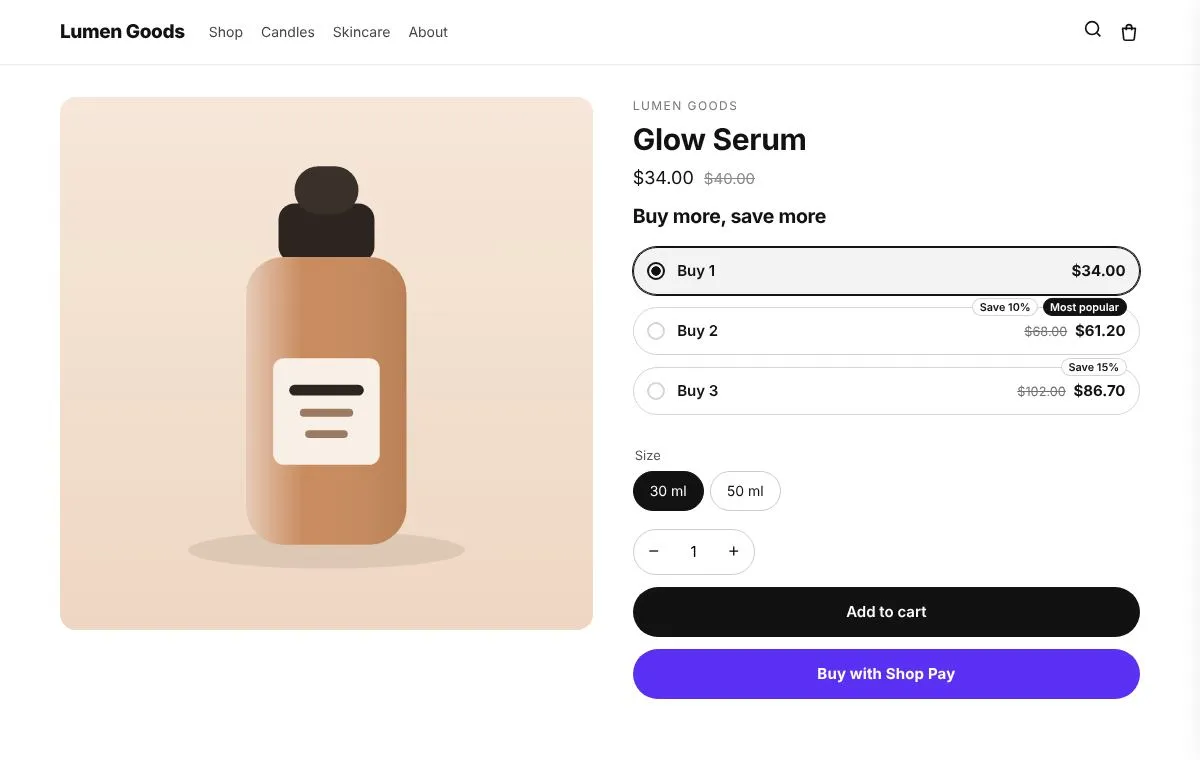
Be first to install CRO Toolbox
CRO Toolbox is on its way to the Shopify App Store. The install button on this site will go straight to the listing the day it's live, with the Free plan and a 14 day trial on every paid plan.