Free shipping bar
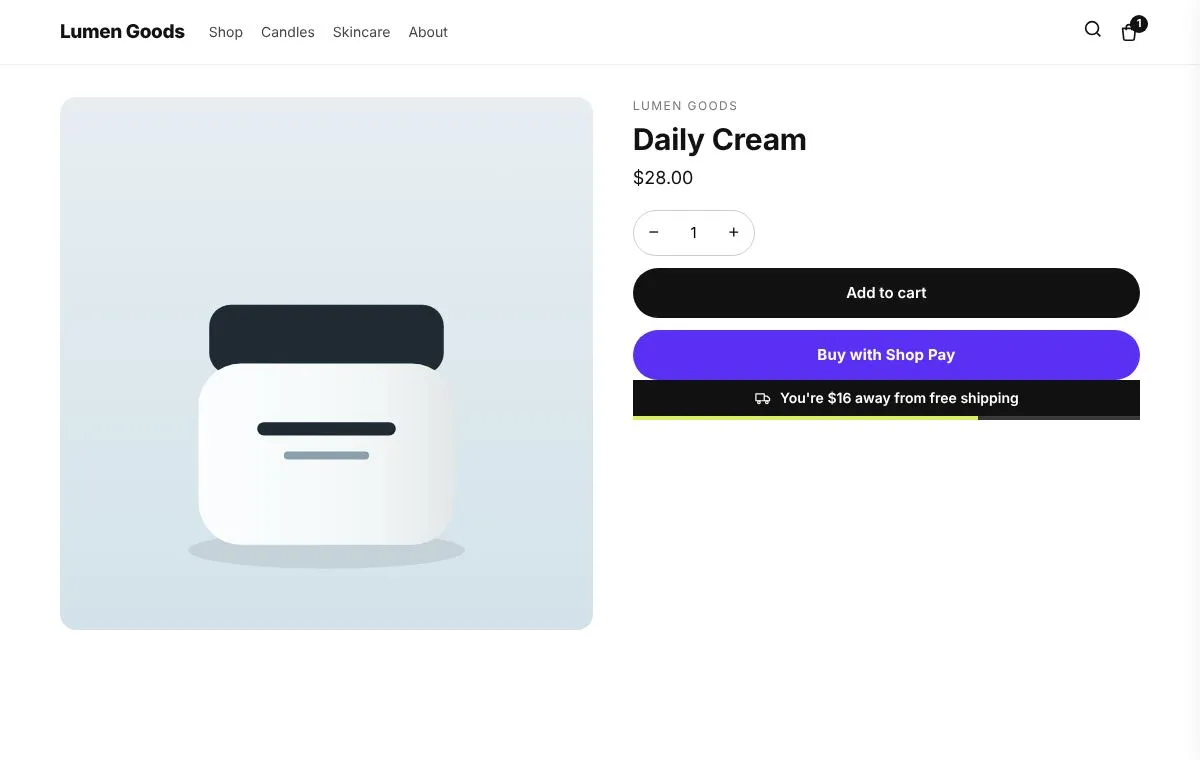
Shows how much more to spend for free shipping, in the cart and at the top of the store.
For stores with a free shipping threshold.
Included on the Free plan
What you can set
- Shows how much more to spend for free shipping
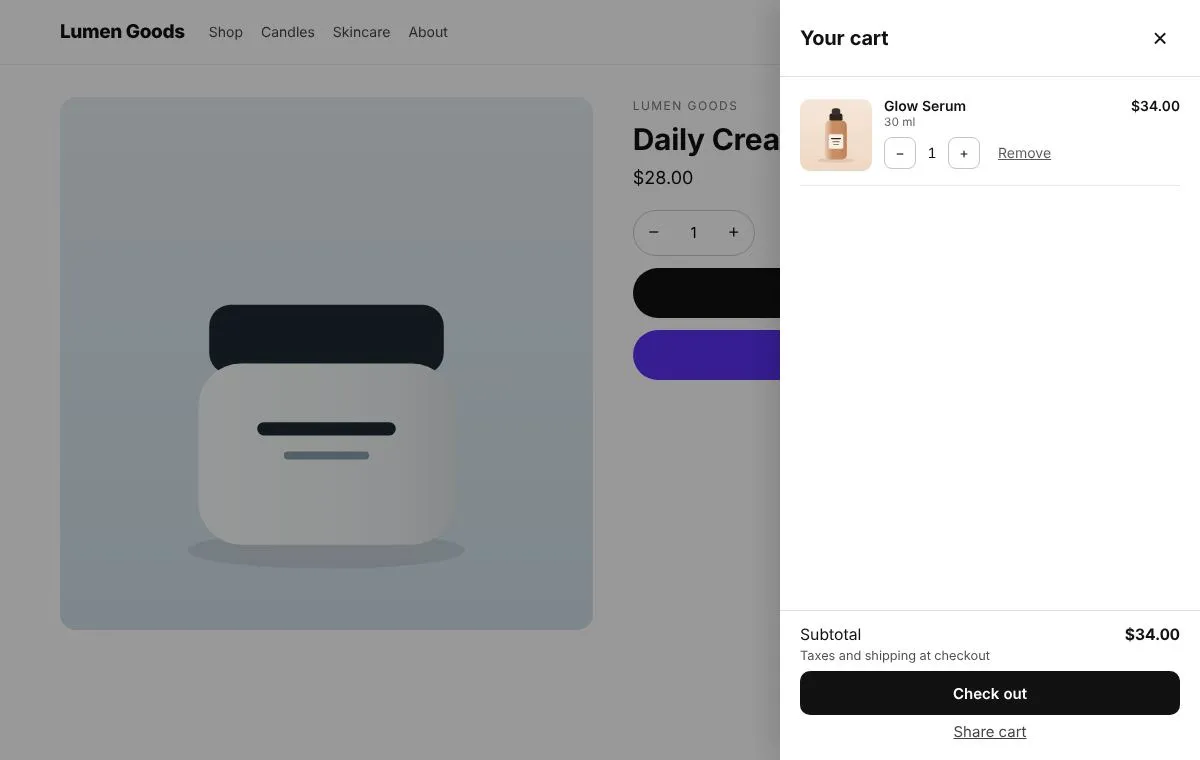
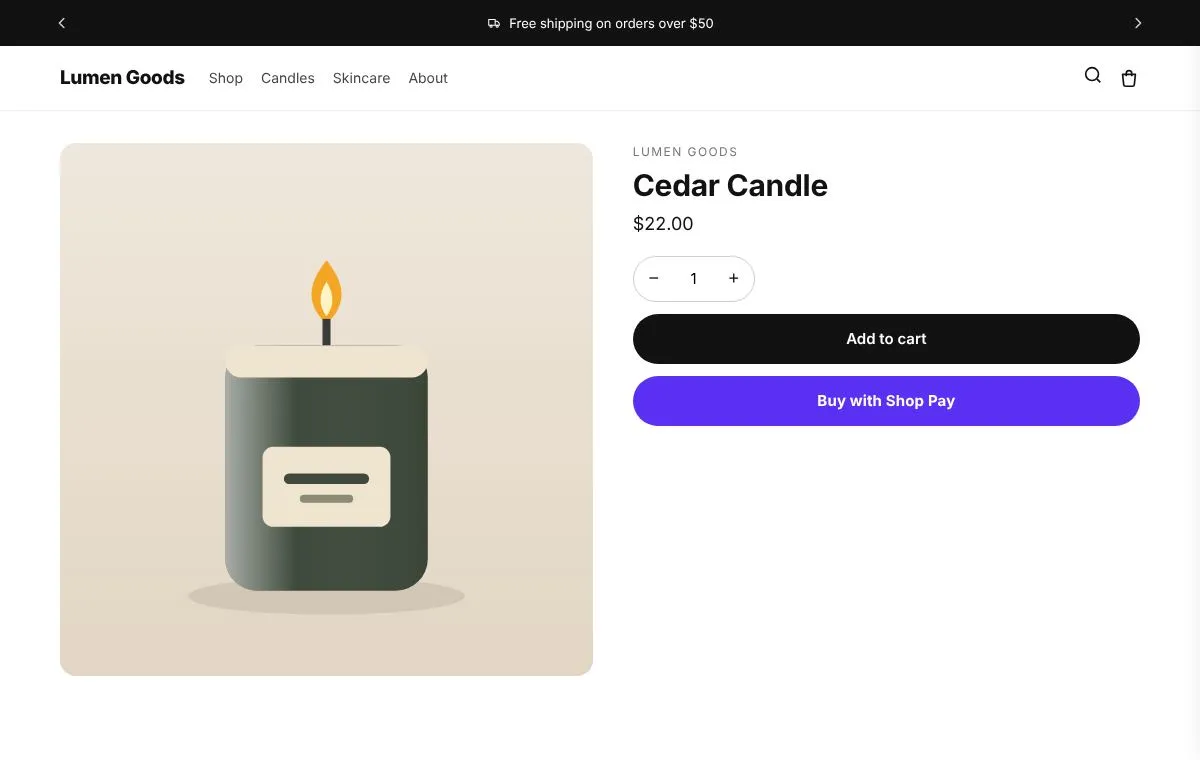
- In the cart drawer, on the cart page and at the top of the store
- Can create the matching automatic free shipping discount
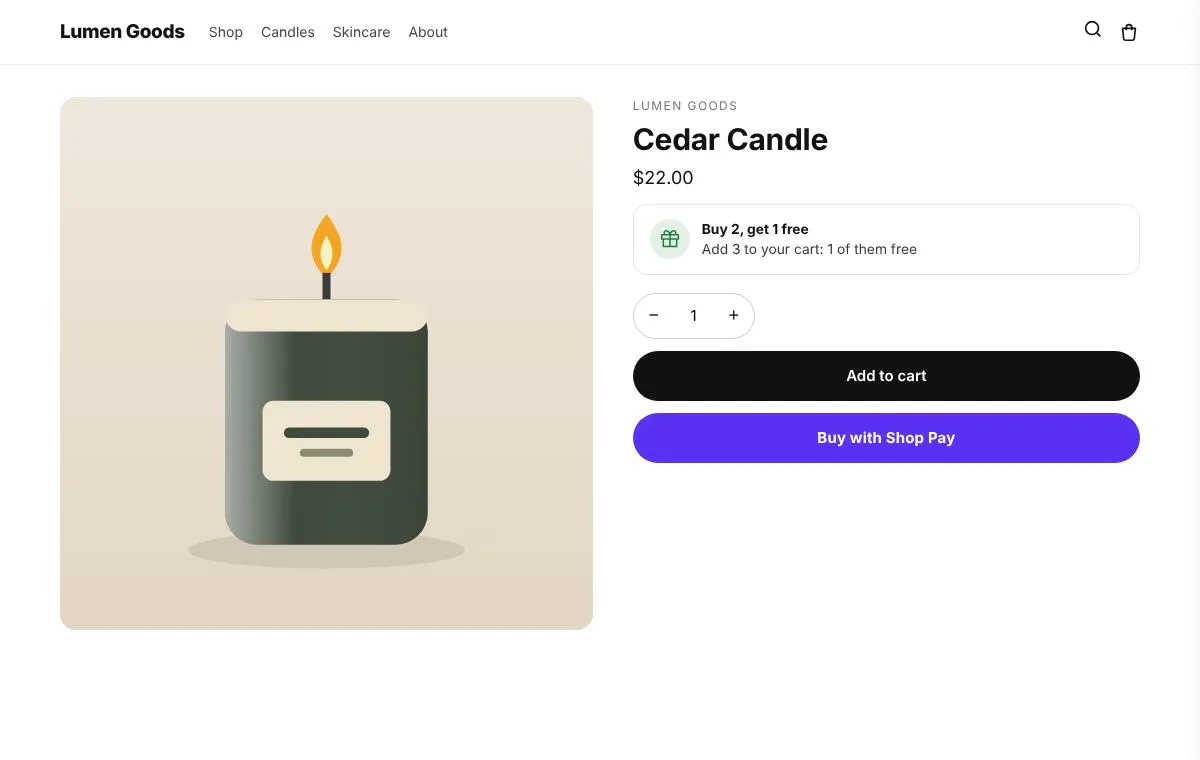
- Extra reward tiers like a free gift or 10% off
How to set it up
- Install CRO Toolbox from the Shopify App Store.
- Open Storefront → Free shipping bar in the app, pick a template and set it up with the live preview.
- Click Add to theme: the theme editor opens with the block ready. Place it and save.
Ready made looks in the app
- Black and lime
- Soft green
- Card
- Sand
- Bold red
- Rounded pill
Step by step help: Your cart: drawer, offers, gift note and free shipping bar →
Questions about Free shipping bar
What does Free shipping bar do in CRO Toolbox?
Shows how much more to spend for free shipping, in the cart and at the top of the store. For stores with a free shipping threshold.
Which plan includes Free shipping bar?
Included on the Free plan. See pricing for the limits of each plan.
Does Free shipping bar work with my theme?
Yes, with any Online Store 2.0 theme. You set it up in the app and place it in the theme editor; your theme's code is never edited.
Be first to install CRO Toolbox
CRO Toolbox is on its way to the Shopify App Store. The install button on this site will go straight to the listing the day it's live, with the Free plan and a 14 day trial on every paid plan.