Storefront
Wishlist
Hearts on products and cards, a wishlist page with "price dropped" badges and a share link.
For shoppers who are not ready to buy today.
Included on the Free plan
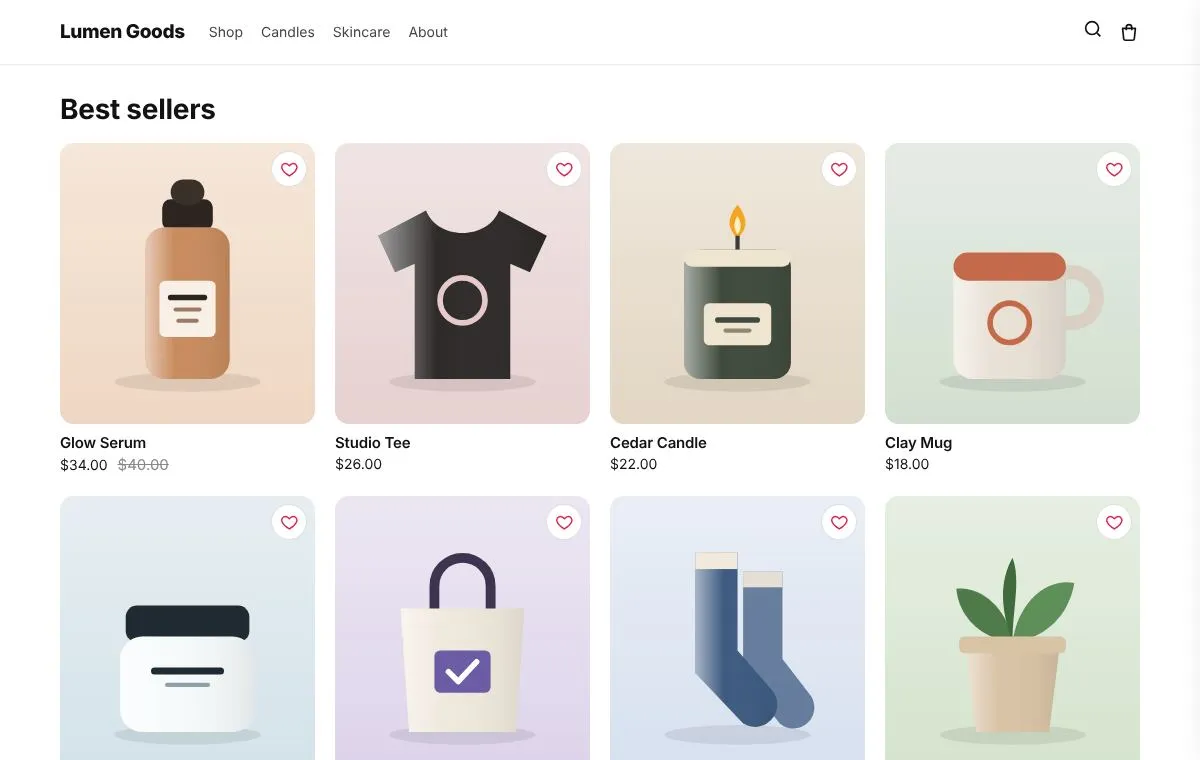
What you can set
- Hearts on product pages and product cards
- A wishlist page with add to cart and a share link
- Price dropped badges
- Saved in the shopper's browser, no account needed
How to set it up
- Install CRO Toolbox from the Shopify App Store.
- Open Storefront → Wishlist in the app, pick a template and set it up with the live preview.
- Click Add to theme: the theme editor opens with the block ready. Place it and save.
Ready made looks in the app
- Red heart
- Black heart
- Gold star
- Bookmark
Questions about Wishlist
What does Wishlist do in CRO Toolbox?
Hearts on products and cards, a wishlist page with "price dropped" badges and a share link. For shoppers who are not ready to buy today.
Which plan includes Wishlist?
Included on the Free plan. See pricing for the limits of each plan.
Does Wishlist work with my theme?
Yes, with any Online Store 2.0 theme. You set it up in the app and place it in the theme editor; your theme's code is never edited.
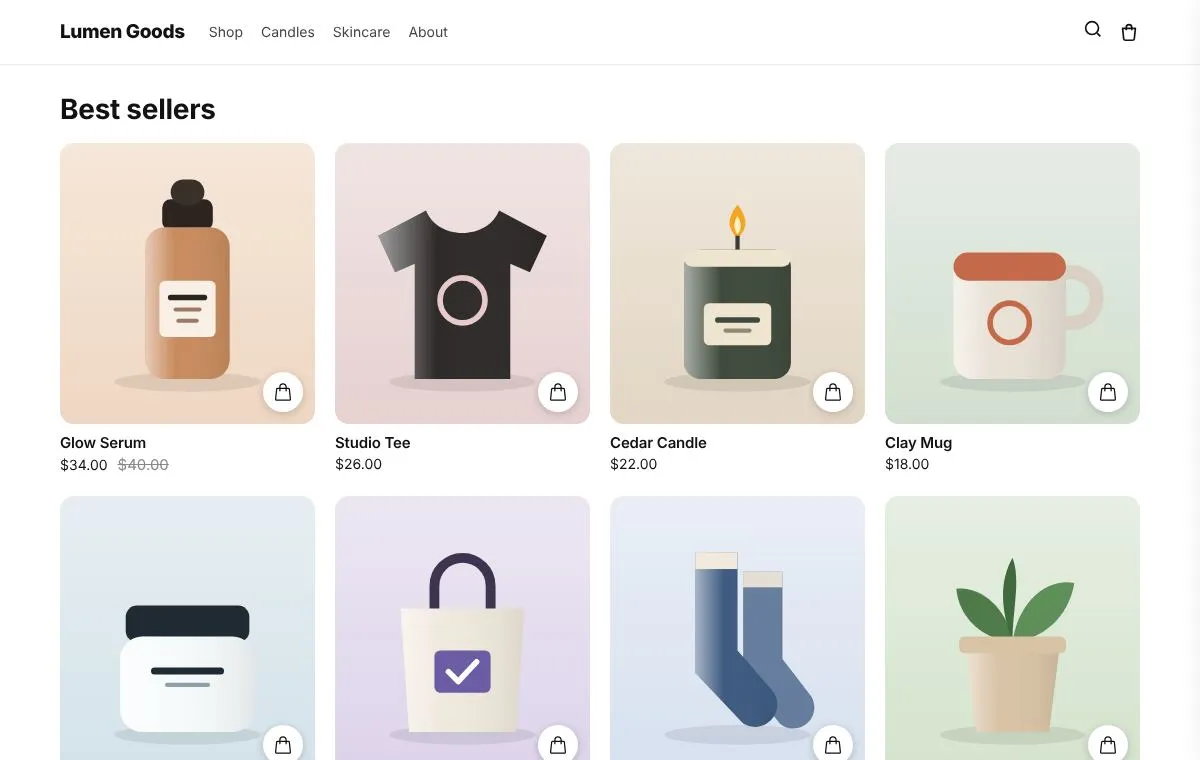
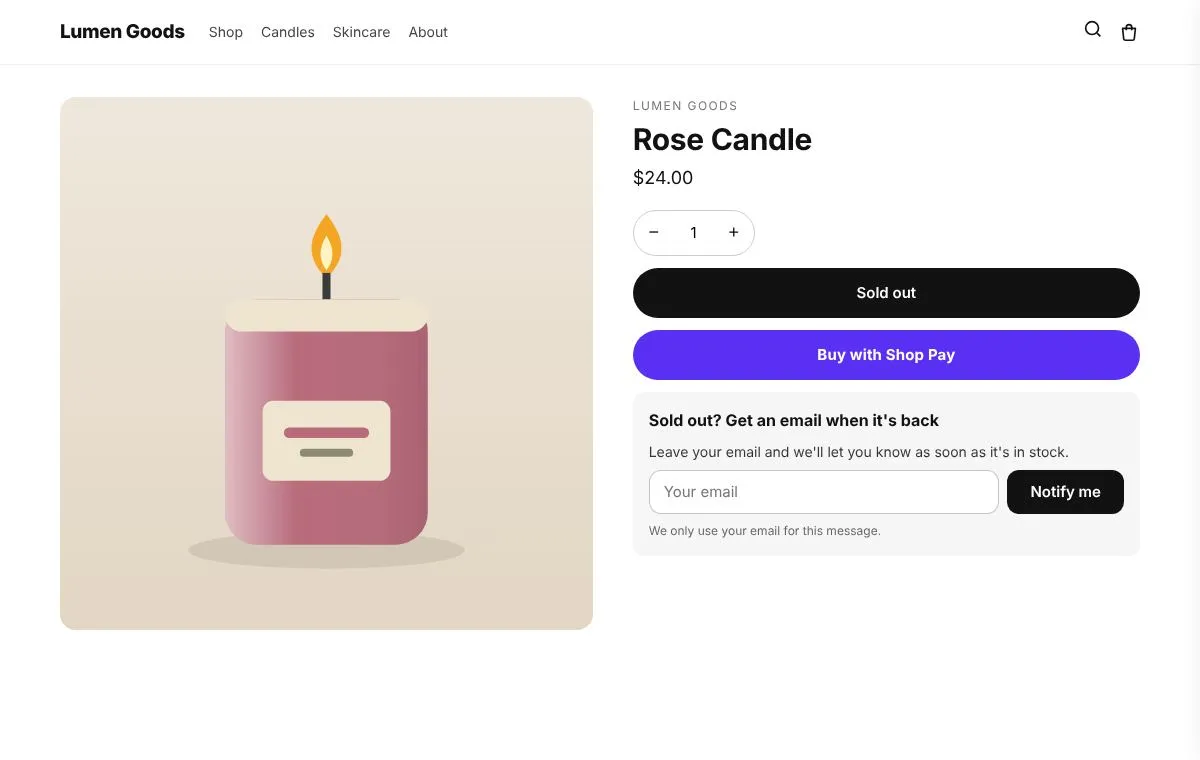
Coming soon to the Shopify App Store
Be first to install CRO Toolbox
CRO Toolbox is on its way to the Shopify App Store. The install button on this site will go straight to the listing the day it's live, with the Free plan and a 14 day trial on every paid plan.